Disclosure: We may earn a commission when you buy through links on this page, at no extra cost to you. We buy nothing, sell nothing and accept no payment for coverage — commissions never decide what we recommend. How we make money.
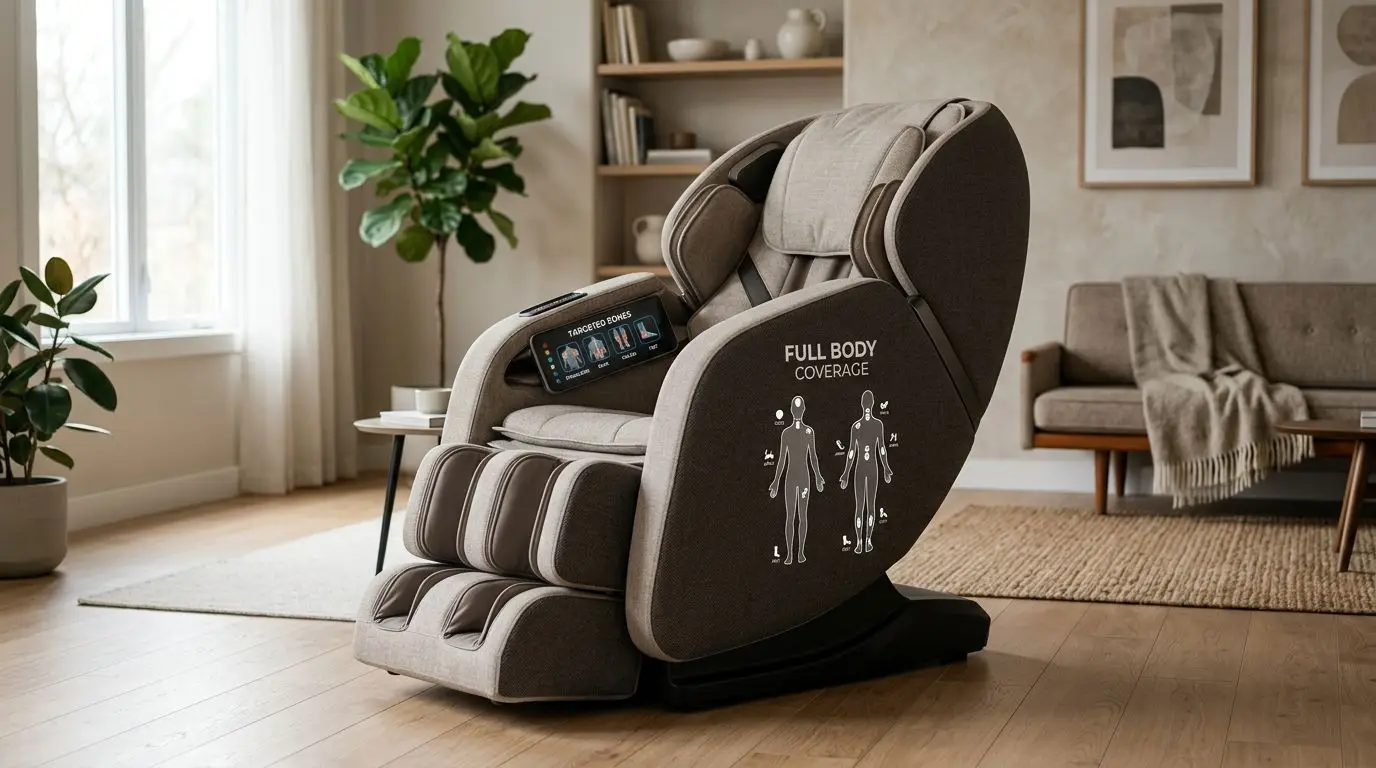
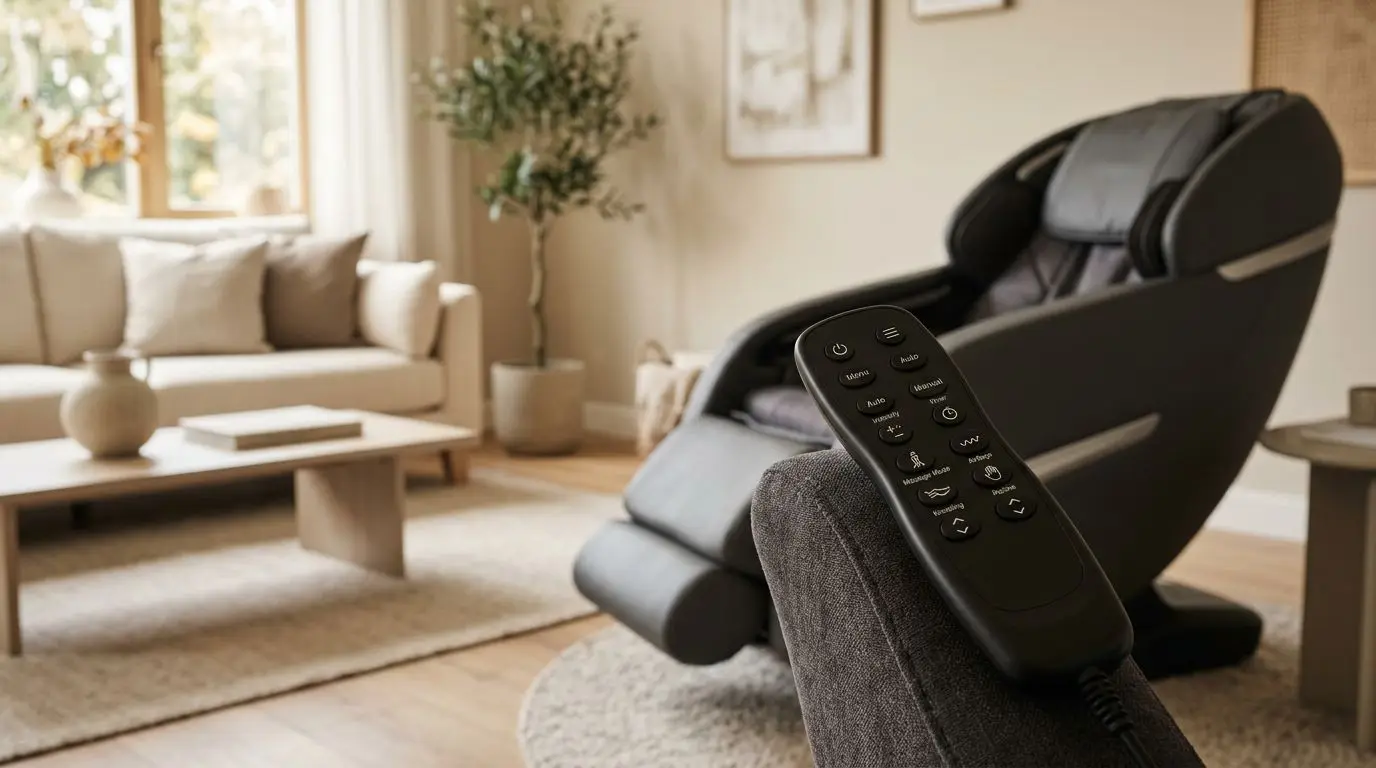
Massage chair programs are the preset and adjustable routines shown on the remote or touchscreen. Auto modes work best for simple 10- to 20-minute sessions, manual settings let you control rollers and airbags, spot massage focuses on a small area, and stretch programs create a longer pulling or opening sensation across the body.
For everyday use, the most useful chair is not the one with the longest menu. It is the one that makes intensity, body area, session time, roller position, and airbag pressure easy to understand and adjust.
Safety comes before settings. If you are pregnant, have a pacemaker or other implanted cardiac device, have a history of blood clots, take anticoagulants, have osteoporosis, neuropathy, uncontrolled hypertension, spinal disc problems, or have had a recent fracture or surgery, ask your physician before using a massage chair.
What the Program Menu Controls in a 10- to 30-Minute Session
A massage chair program is a saved sequence of roller movements, air compression patterns, recline angle, heat, foot roller action, and timing. Most chairs run sessions in the 10- to 30-minute range, with 15 minutes being a common default because it is long enough to feel the full routine without making the chair complicated to use.
The program menu usually answers five practical questions: where the chair will work, how strong it will feel, which parts of the chair will move, how long it will run, and whether you can pause or adjust it mid-session. A clear menu makes these choices visible in plain language. A confusing one hides them behind icons that owners stop using after the first week.
| Program type | What it controls | Best everyday use | Typical session length |
|---|---|---|---|
| Auto mode | Preset roller, airbag, recline, and timing pattern | Quick whole-body routine | 10-20 minutes |
| Manual settings | Technique, speed, width, intensity, and body zone | Custom comfort | 5-30 minutes |
| Spot massage | Rollers held near one small area | Focused pressure in one zone | 3-10 minutes |
| Stretch program | Recline, airbags, and rollers sequenced together | Full-body pulling sensation | 10-20 minutes |
Do not assume a chair with 30 auto programs is automatically easier to live with than one with 6. If those 30 programs are not clearly labeled, most owners end up using the same 2 or 3 routines again and again.
Auto Modes: Best for 10- to 20-Minute Everyday Sessions
Auto modes are preset routines. You choose a label, press start, and the chair decides the roller path, airbag timing, recline position, and sometimes heat or foot rollers. These are the programs most people use on busy days because they require almost no setup.
Common labels include full body, upper body, lower body, gentle, deep, relax, energize, night, or stretch. The names are not standardized, so one chair's gentle mode may still feel firm while another chair's deep mode may feel moderate. Judge the program by how it feels in the first 2 minutes, not by the label alone.
Who auto modes are best for
- Owners who want a repeatable routine without adjusting 5 or more settings.
- Households with multiple users who prefer simple start-and-stop controls.
- Anyone who wants whole-body coverage from neck and shoulders down to calves and feet, depending on the chair design.
- People who are new to massage chairs and need a safe, predictable starting point.
The most useful auto modes are not necessarily the most intense ones. A well-balanced 15-minute program may spend a few minutes on the back, a few on the hips or glutes if the track reaches that far, then cycle airbags through shoulders, arms, calves, or feet. The pattern should feel organized, not random.
Look for auto programs you can adjust while they run. Being able to lower intensity from level 4 to level 2, turn off foot rollers, or reduce airbag pressure can make the difference between a program you use weekly and one you avoid.
Manual Settings: 5 Controls That Matter More Than Menu Count
Manual settings let you build your own routine. Instead of trusting the chair's preset pattern, you choose the technique, body area, roller width, speed, intensity, and optional features such as heat or airbags. A good manual menu can be more valuable than 20 preset programs because it lets you adapt the chair to your body and preferences.
| Manual control | What it changes | Why it matters |
|---|---|---|
| Technique | Kneading, tapping, rolling, knocking, shiatsu-style pressure, or combinations | Changes the feel from smooth movement to pulsing pressure |
| Roller width | Often narrow, medium, or wide | Helps align rollers near the spine or across the back muscles |
| Speed | Commonly 3-5 levels | Controls how fast rollers move or pulse |
| Intensity | Commonly 3-5 levels | Changes how firm the chair feels |
| Zone | Neck, shoulders, back, waist, hips, calves, or feet | Keeps the routine where you want it |
Kneading usually feels like circular pressure. Tapping feels rhythmic and percussive. Rolling is smoother and often covers more vertical distance. A shiatsu-style setting is usually slower and more concentrated. These terms vary by chair, so treat them as descriptions of feel rather than strict technical standards.
Manual mode is especially helpful when a scan misses your shoulder height by an inch or two. Many chairs perform a body scan at the start of a session, but users often still need to nudge the rollers up or down. If the remote has arrow buttons for roller position, learn those first.
Airbag settings deserve attention, too. Arm, shoulder, calf, and foot airbags can feel snug at level 1 and quite firm at level 5. If you share a chair with another person, each user may need a different airbag intensity even when the roller intensity is the same.
Spot Massage and Zone Modes: Targeting a 2- to 6-Inch Area
Spot massage keeps the rollers in one small vertical area, often around 2 to 6 inches depending on the chair. Zone mode is slightly broader; it works a selected section such as the upper back, mid-back, low back, or hips rather than the full track.
This is the mode owners often discover later. Auto programs are easy, but spot and zone controls are what make a chair feel personally adjustable. If the rollers pass a comfortable area too quickly, spot mode lets you stop them there. If a full-body program spends too long on places you do not care about, zone mode narrows the routine.
Who spot massage is best for
- Users who want focused pressure in one specific area for a few minutes.
- People who find full-body routines too busy or distracting.
- Owners who know exactly where they like roller pressure, such as upper back or low back.
- Anyone testing a new chair and trying to understand roller feel before using stronger programs.
Use spot massage conservatively at first. Start with 3 to 5 minutes, moderate intensity, and a wider roller setting if available. Concentrated pressure can feel good at first, then become too much if left in one position for a long time.
Track design affects how useful spot mode is. An S-track usually follows the curve of the back from neck to low back. An L-track extends under the seat toward the glutes and upper hamstrings. Some chairs use a longer hybrid-style track that aims to combine upper-back contouring with under-seat reach. If your main interest is focused pressure below the waist, make sure the rollers actually travel there.
Stretch Programs: What a 15-Minute Stretch Mode Feels Like
A stretch program typically combines recline movement, airbags that hold the legs or shoulders, and roller movement along the back. A common 15-minute stretch routine may recline the chair, secure the legs with calf or foot airbags, then gently change angles to create a pulling or opening sensation through the front of the body.
This mode is not the same as stretching on a mat with your own body control. The chair moves you through a fixed sequence, and your size, flexibility, and comfort level affect how it feels. For some users, it feels spacious and relaxing. For others, it can feel too restrictive, especially if the airbags are firm or the footrest length is not adjusted correctly.
Start with the lowest airbag setting the first time. If the chair lets you choose stretch intensity, begin at level 1. Keep the remote in your hand so you can stop the program immediately if it feels awkward, pinching, or too strong.
People with spinal disc problems, osteoporosis, recent surgery, recent fracture, pregnancy, neuropathy, or any condition where forced positioning is a concern should ask their physician before using stretch programs. This is one of the chair features where caution is especially important because the chair is moving your body, not just applying pressure.
Also check leg length fit. If your knees are sharply bent or your feet do not sit flat in the foot wells, the stretch pattern may not line up with your body. Many chairs have spring-loaded or powered footrests that extend several inches, but the range varies.
How to Choose and Measure Before You Buy or Use It
Program quality depends on fit. A chair can have 12 auto modes and 5 intensity levels, but if the shoulder scan is off or the footrest is too short, the routines will not feel right. Measure your space, your body, and your tolerance for pressure before you focus on program count.
How to measure your room
- Measure the chair footprint in both upright and reclined positions. Many full-size chairs need roughly 5 to 7 feet of length when reclined, depending on design.
- Check wall clearance. Space-saving recline designs may need only a few inches behind the chair, while other designs may need 12 inches or more.
- Allow walking room. Leave at least 24 inches on one side if possible so getting in and out is easy.
- Confirm floor support and protection, especially if the chair weighs 200 pounds or more.
How to measure your body fit
- Compare your height with the chair's stated user range. Many chairs are designed around a broad adult range, but very short or very tall users should test carefully.
- Measure shoulder height while seated. The neck and shoulder rollers need to reach the right place after the scan.
- Check seat width. A typical usable seat width may be around 19 to 23 inches, but designs vary.
- Check the listed weight capacity. Many home chairs are rated somewhere around 250 to 320 pounds, but you should follow the specific chair's stated limit.
When trying a chair, test at least one auto mode, one manual roller setting, one airbag setting, and one spot or zone setting. A 20-minute showroom test or home trial session tells you more than a long feature list.
Which Programs Matter Most After 30 Days of Ownership
After the first 30 days, most owners settle into a small group of favorite settings. The novelty of a long menu fades, and comfort becomes the deciding factor. The programs that matter most are the ones you can start quickly, adjust easily, and repeat without fuss.
| If you care most about... | Prioritize this program feature | Less important |
|---|---|---|
| Simple daily use | 2-4 clear auto modes with adjustable intensity | A very long preset list |
| Upper-back pressure | Manual zone and spot controls | Foot roller presets |
| Lower-body coverage | L-track or extended-track routines, calf and foot controls | Neck-only programs |
| Shared household use | User memory, easy intensity changes, clear remote labels | Highly specialized routines |
| Gentle comfort | Low intensity levels, airbag off options, soft roller feel | Maximum pressure claims |
User memory can be useful, but it is not essential for everyone. If the chair stores 2 or 3 favorite routines, that can save time in a shared household. If it does not, a clear manual menu can do nearly the same job.
Treat heat realistically, too. In most massage chairs, heat is designed to feel warm through the back pad, calf area, or footrest. It is usually subtle, and it may take several minutes to notice. It should never feel hot or uncomfortable.
Voice control and app control are convenience features, not core program quality. They can help if the physical remote is hard to read, but the chair should still be usable from the built-in controls. A massage chair is furniture you may own for years; simple buttons often age better than complicated menus.
A 7-Day Plan for Learning Your Chair's Programs
If you already own a chair, do not try every program at maximum intensity on day 1. A simple 7-day approach helps you learn the menu without overdoing concentrated pressure or forced positioning.
- Day 1: Run the gentlest full-body auto mode for 10 to 15 minutes. Note areas that feel too strong or too light.
- Day 2: Repeat the same auto mode and adjust only one setting, such as roller intensity.
- Day 3: Test manual kneading or rolling on the upper back for 5 to 10 minutes.
- Day 4: Try airbags separately at the lowest level, especially arms, calves, and feet.
- Day 5: Use spot or zone mode for 3 to 5 minutes in one area.
- Day 6: Try a stretch program only if you are comfortable with recline and airbag pressure.
- Day 7: Save or write down your preferred settings: program name, intensity level, airbag level, and time.
This method gives you a practical baseline. It also helps you separate chair fit from program preference. If every routine feels wrong in the same place, the issue may be body scan alignment, footrest position, or seat fit rather than the program itself.
FAQ: 5 Program Questions Owners Ask
How many auto modes does a good massage chair need?
For most owners, 6 to 12 clear auto modes are more useful than 25 vague ones. What matters is whether the routines feel different, are easy to identify, and allow intensity changes while running.
Is manual mode better than auto mode?
Manual mode is better when you know exactly what you want, such as a specific roller technique or body zone. Auto mode is better when you want a complete routine with minimal setup.
How long should I use spot massage?
Start with 3 to 5 minutes on moderate intensity. Because spot massage concentrates pressure in a small area, longer sessions are not automatically more comfortable.
Should I use stretch mode every day?
Not necessarily. Stretch mode is more body-positioning-intensive than a basic auto program, so start occasionally and at low intensity. Ask your physician first if you have any relevant health or mobility concerns.
Why does the same program feel different for two people?
Height, shoulder position, back shape, seat fit, footrest length, and pressure preference all change the feel. A program that feels gentle to one person may feel firm to another.
Frequently asked questions
How many auto modes does a good massage chair need? +
Most owners do well with 6 to 12 clearly labeled auto modes. A shorter menu with adjustable intensity is often more useful than a long list of similar presets.
Is manual mode better than auto mode? +
Manual mode is better for controlling a specific technique, zone, speed, or intensity. Auto mode is better when you want a complete routine with minimal setup.
What is spot massage on a massage chair? +
Spot massage holds the rollers in a small area, often about 2 to 6 inches vertically, so the pressure stays focused instead of traveling along the full track.
How long should I use a spot massage setting? +
Start with 3 to 5 minutes at moderate intensity. Because the pressure is concentrated, more time is not always more comfortable.
Are stretch programs safe for everyone? +
No. If you are pregnant or have an implanted cardiac device, blood clot concerns, anticoagulant use, osteoporosis, recent fracture or surgery, spinal disc problems, neuropathy, or uncontrolled hypertension, ask your physician before using stretch programs.
Related guides
Massage Chair Auto Programs Explained: Relax, Stretch, Recovery, Sleep, and Deep Tissue Modes
14 min read
Best Massage Chair Settings for Beginners: Intensity, Roller Position, Air Pressure, Heat, and Recline
13 min read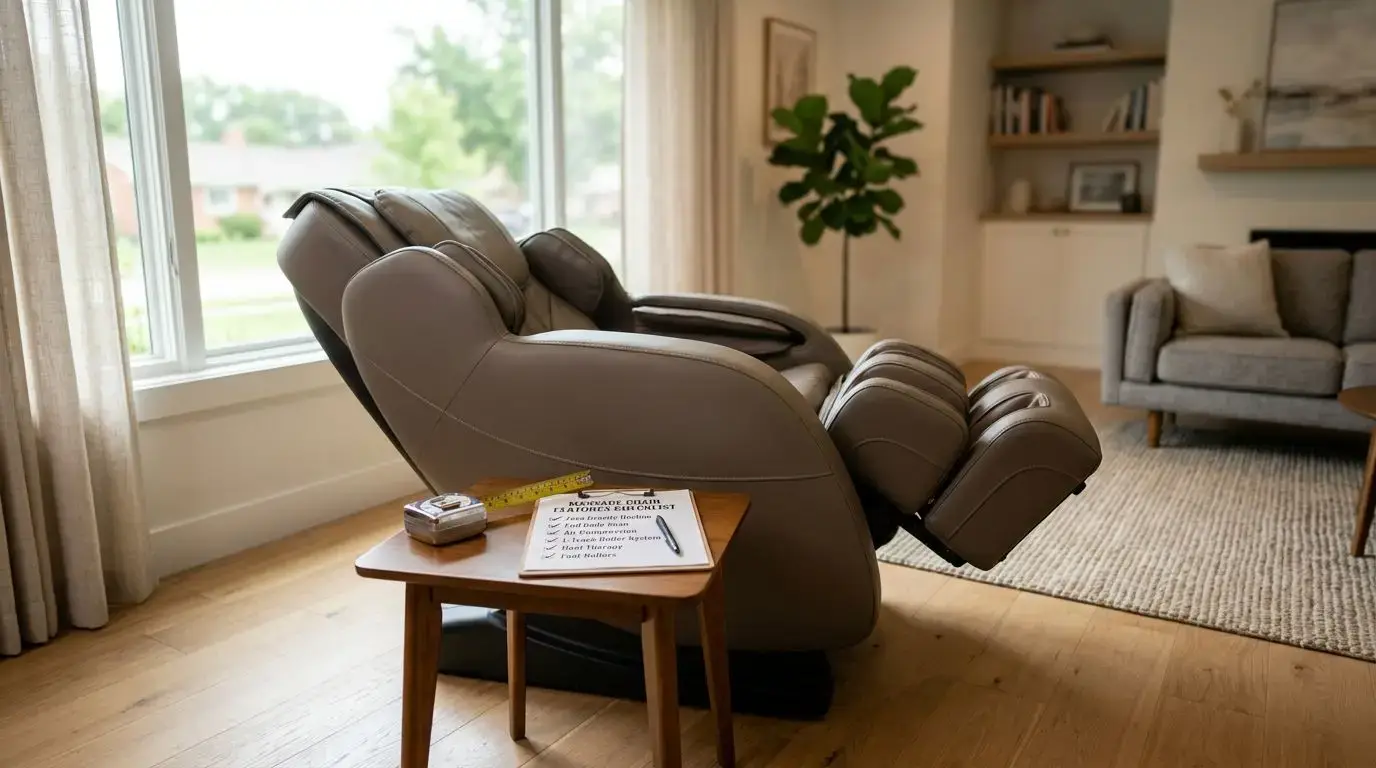
Best Massage Chair Features to Look For Before You Buy
13 min read
Massage Chair Stretch Programs: What They Do and Who Should Use Them
12 min read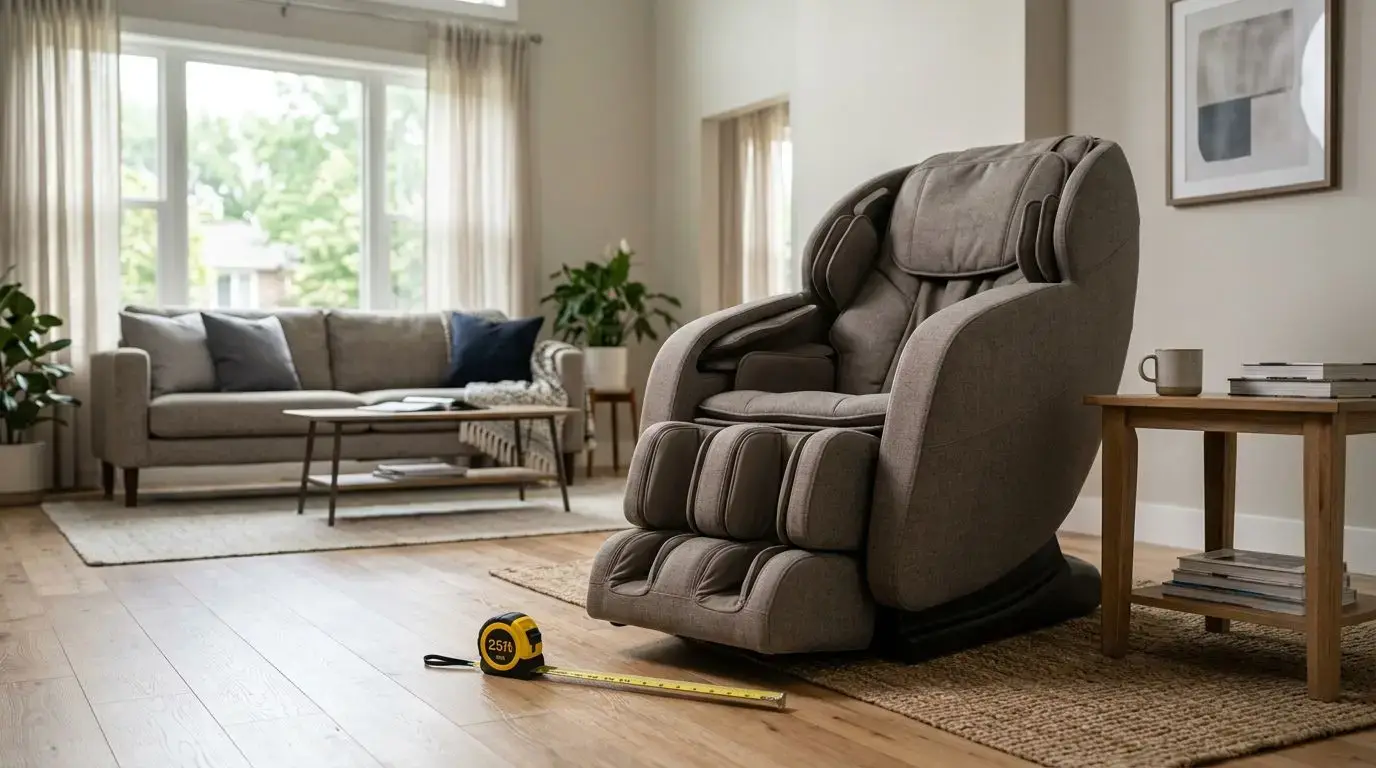
How to Choose a Massage Chair for Home Use
14 min read