Disclosure: We may earn a commission when you buy through links on this page, at no extra cost to you. We buy nothing, sell nothing and accept no payment for coverage — commissions never decide what we recommend. How we make money.
For office use, choose a massage chair that is quiet, compact, durable enough for repeated short sessions, and appropriate for the setting. The best fit is usually a chair with a predictable 10- to 15-minute program, low operating noise, wipeable surfaces, and a footprint that does not block walkways or look out of place in a professional room.
A workplace chair faces different demands than a living-room chair. It may be used by several people in a single day, placed near desks or meeting rooms, and judged as much by its noise and appearance as by how the rollers feel.
Office massage chairs have 6 practical constraints
At home, a massage chair can be large, dramatic, and used by one or two people. In an office, it needs to function like shared equipment. That means the buying decision should cover at least 6 constraints: sound, floor space, session time, durability, cleaning, and workplace etiquette.
Start with the room, not the feature list. A chair with excellent roller coverage can still be a poor office choice if it needs 12 inches of rear clearance in a narrow room, hums loudly through a wall, or requires complicated adjustment before every session. Shared use favors simple controls and consistent programs.
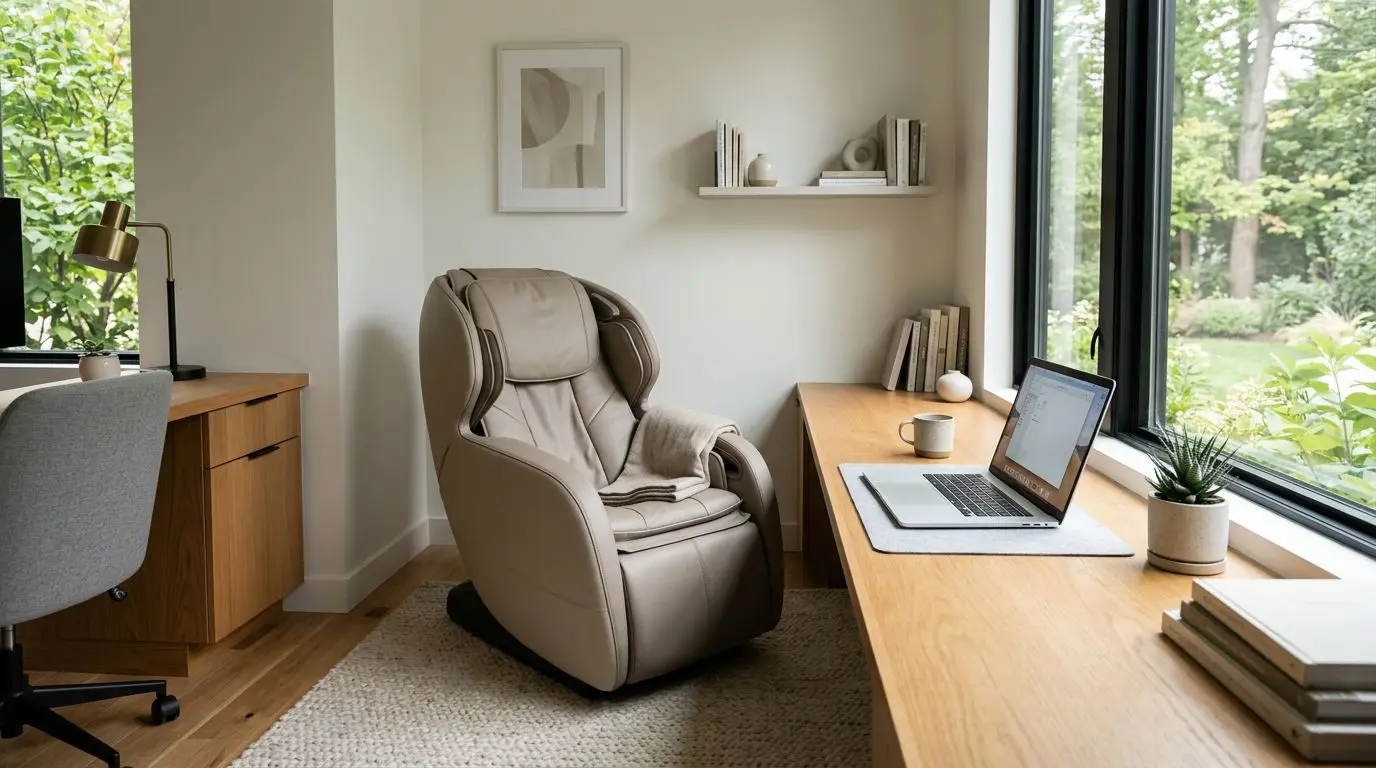
Home offices fall somewhere in the middle. User rotation may matter less, but you still need to think about video calls, flooring, outlet placement, and whether the chair makes the room feel like a workspace or a spare equipment room.
| Office consideration | Why it matters | Practical target |
|---|---|---|
| Noise | Can distract calls or nearby desks | Prefer quiet operation in the roughly 45 to 55 dB range when possible |
| Footprint | Must fit without blocking movement | Allow about 30 to 36 inches of width plus clearance |
| Session length | Shared chairs need fair access | Use 10- to 15-minute default sessions |
| Durability | Multiple users increase wear | Look for sturdy upholstery, stable frame, and simple controls |
| Cleaning | Many users touch the same surfaces | Plan a 1- to 3-minute wipe-down between users |
| Setting | The chair reflects on the office | Choose a restrained style and clear use rules |
Noise: aim for quiet operation around 45 to 55 dB
Noise is one of the easiest office factors to underestimate. A chair may sound mild in a showroom, then feel distracting in a quiet 10-foot by 12-foot office. Roller movement, air pumps, calf mechanisms, and vibration features can all add sound.
Many massage chairs are not silent. A reasonable office goal is operation that blends into normal background noise, often around 45 to 55 decibels at a short distance. For context, a quiet office may sit near the low 40s dB, while normal conversation is often around 60 dB. Exact readings vary by room, flooring, and chair design, but the takeaway is simple: quieter is better when the chair is near people who are working.
Air compression can create rhythmic pump noise. Mechanical recline can produce brief motor sound. Foot rollers, if included, may be more noticeable than back rollers because they sit closer to hard flooring. If the chair will be near conference rooms, reception areas, or shared desks, prioritize models with simple programs and the ability to turn off vibration, air compression, or foot features separately.
A small rug or protective mat can reduce vibration transfer into hard floors. It will not make a loud chair silent, but it can soften the mechanical feel in the room below or next door.
Footprint: measure width, recline, and a 36-inch walkway
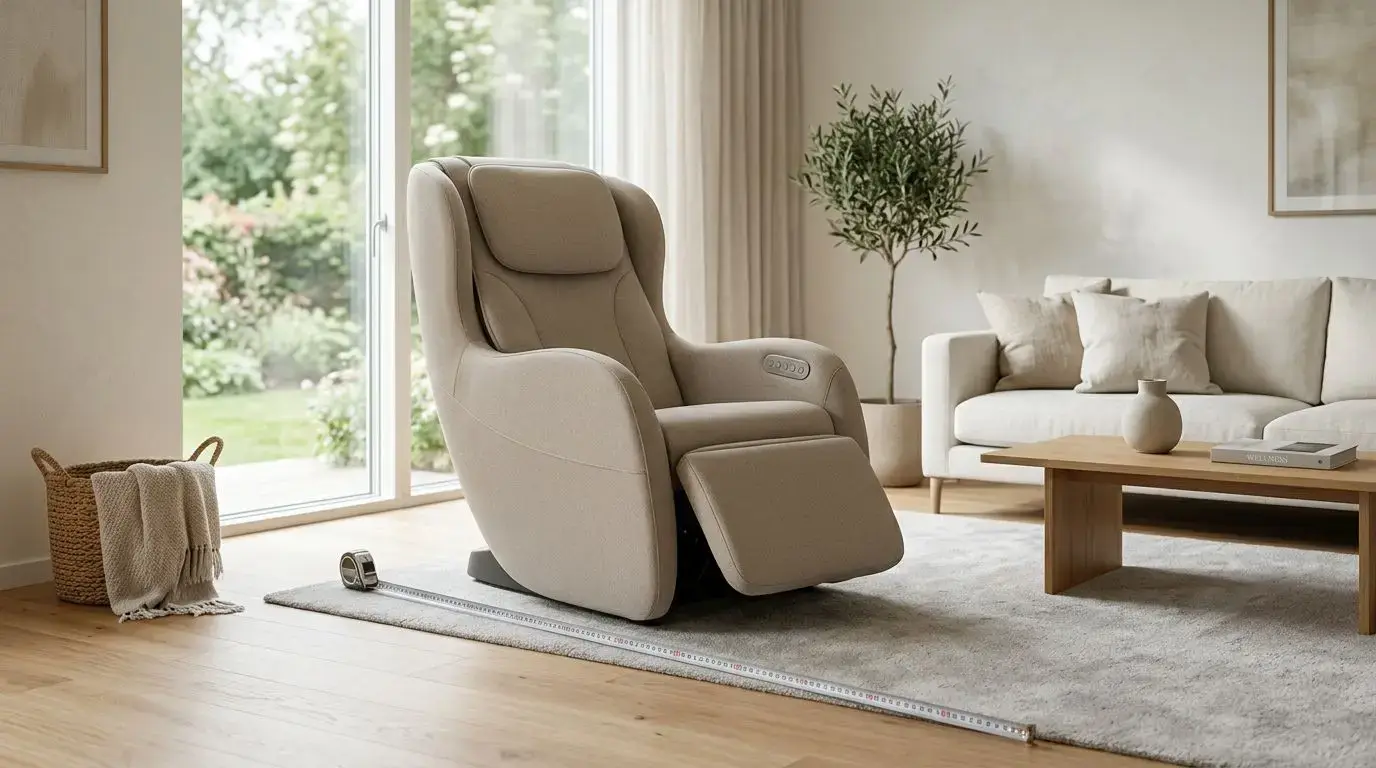
Massage chairs are large pieces of furniture. Many full-size chairs are roughly 30 to 36 inches wide and can extend to 60 to 75 inches long when reclined. Some need several inches behind the backrest, while space-saving recline designs may need only a few inches from the wall. Do not rely on upright dimensions alone.
For a workplace, the chair should not pinch traffic flow. A common office planning standard is to preserve about 36 inches of clear walkway where people pass. If the chair will sit in a wellness room, lounge, or private office, mark the fully reclined outline on the floor with painter's tape before buying. Include the footrest at full extension.
Measure the delivery path as well. Check doorways, elevators, hallway turns, and stair landings. A chair that technically fits the room may still be hard to bring in if the narrowest doorway is 29 inches and the chair arrives in a large carton. Ask the seller for packaged dimensions before committing.
For home offices, consider the camera angle too. A reclined massage chair in the background of a video call can look casual. If the room is client-facing, place it outside the main camera view or choose a design with a more furniture-like silhouette.
Session length and user rotation: 10 to 15 minutes works best
Shared-use chairs need a schedule. The simplest rule is to set sessions at 10 to 15 minutes, especially during the workday. That gives more people access, reduces crowding around the chair, and keeps the chair from becoming a private lounge for one person.
A 15-minute session also fits naturally into a break. If 8 employees use the chair in a day at 15 minutes each, that is 2 hours of run time before cleaning and changeover. In a busier office of 25 or more people, a booking calendar may be necessary, or the chair may become a source of friction.
Look for controls that make short sessions easy. A clear start button, visible timer, and preset programs are more useful in an office than a complex remote with dozens of adjustments. If the chair allows manual intensity changes, post a brief instruction card nearby so users are not experimenting for 5 minutes before the program begins.
User rotation also affects placement. Put the chair where people can enter and leave without feeling watched. A quiet corner of a break room may work, but a glass-walled conference room often feels awkward unless privacy film or blinds are used.
Durability: plan for 5 to 20 sessions per week, or more
Durability matters more in shared settings because use adds up quickly. A chair used by one person 4 nights a week has a very different life than an office chair used 5 to 20 times per week. In larger workplaces, weekly use can climb higher if the chair is popular.
Pay attention to the parts users touch and stress most: armrests, side panels, remote cradle, footrest, head pillow, and upholstery at the seat edge. Smooth synthetic upholstery is common because it is easier to wipe than fabric, but it should still feel substantial and resist peeling at high-contact points. Removable or replaceable pads are a plus in shared environments.
The foot and calf area deserves special attention. Shoes, socks, lotions, and repeated entry can make this section wear faster than the backrest. In a professional office, it is reasonable to require socks and prohibit bare feet. A simple sign can prevent misunderstandings.
Ask about warranty terms for commercial or workplace use. Some consumer warranties apply only to residential use, while shared office use may be excluded or handled differently. Do not assume coverage. Read the written warranty and return policy before purchasing.
Professional setting: 3 rules for comfort, privacy, and cleaning
A massage chair in a workplace should feel intentional, not random. Three rules help: place it in an appropriate room, create basic use guidelines, and make cleaning easy. Without those rules, even a good chair can create office awkwardness.
First, choose the room carefully. A dedicated wellness room, quiet lounge, or private office corner usually works better than a high-traffic break area. The setting should allow a person to recline without being stared at by coworkers. If the chair is used by clients, visitors, or staff in a professional services office, keep the surrounding area uncluttered and neutral.
Second, set etiquette expectations. Post the maximum session time, whether booking is required, how to adjust intensity, and what to do if the chair feels uncomfortable. Include a reminder that users should stop the session if the pressure, heat, recline, or positioning does not feel right.
Third, define cleaning. Keep approved wipes nearby and ask users to wipe the headrest, arm areas, remote, and foot area after each use. A 1- to 3-minute cleanup routine is realistic. Avoid soaking seams, spraying liquid directly into controls, or using harsh chemicals unless the chair materials specifically allow them.
Track and roller choices: compare 4 common designs
Roller design controls how the chair feels more than most decorative features do. For office use, the best option is not always the most intense one. Many shared users prefer moderate pressure, predictable movement, and broad coverage over aggressive kneading.
| Design or feature | Typical feel | Office-use notes |
|---|---|---|
| S-track | Follows the curve of the back from neck area to lower back | Often compact and straightforward; good when floor space is limited |
| L-track | Extends from the back down under the seat area | Adds lower-body coverage but may increase chair size and cost |
| SL-track | Combines a curved back path with extended seat coverage | Good broad-coverage option if the room can handle the footprint |
| 2D rollers | Move up, down, and side to side with set pressure | Simple and often easier for shared users |
| 3D or 4D rollers | Add adjustable depth and, in some designs, varied rhythm | Useful for intensity control, but users need clear instructions |
Zero-gravity recline is another common feature. It typically raises the legs and reclines the torso to spread body weight across the chair. In an office, it can feel comfortable, but it also makes the chair look more relaxed and increases the need for privacy. Heat features are common too, usually in the back or leg area, but they should be optional and easy to turn off.
Air compression can feel like rhythmic squeezing around the arms, calves, shoulders, or feet. Some people like the snug feel; others find it too confining. For shared use, adjustable air intensity matters more than having the maximum number of air cells.
Feature priorities: choose the 8 office-friendly functions first
It is easy to get pulled into long feature lists. For an office, focus on 8 practical functions before extras: quiet motor operation, compact recline clearance, short presets, adjustable intensity, easy-to-clean surfaces, simple controls, a visible timer, and a clear way to stop the chair quickly.
A quick-stop or power button should be obvious. People using a shared chair may not know the remote layout, and they should not have to search if the pressure or recline feels wrong. Presets should be plain enough that a first-time user can choose one without a tutorial.
Body scanning is common on many full-size chairs. It is designed to estimate shoulder position and tailor roller movement to the user. In an office, this can help accommodate different heights, but it is not perfect. Very short, tall, or broad users may still need manual adjustments.
Bluetooth speakers, app controls, colored lighting, and voice controls may be nice at home, but they can be liabilities at work. Speakers can disturb others. Apps raise access and privacy questions. Voice prompts may distract in a quiet office. Treat those features as optional, not central.
How to choose and measure: a 7-step office checklist
Before buying, use a 7-step checklist. It is more reliable than comparing chairs by feature count alone.
- Measure the full footprint. Tape the chair's upright and reclined dimensions on the floor, including the footrest. Leave about 36 inches for walkways.
- Check wall clearance. Note whether the chair needs 2 inches, 6 inches, or more behind it when reclining. Small differences matter in offices.
- Confirm the delivery route. Measure doorways, elevator openings, and hallway turns. Compare them with packaged dimensions.
- Estimate weekly use. A 10-person office using the chair once per week is different from a 40-person office with daily bookings.
- Test the sound profile. If possible, listen to rollers, air compression, vibration, and recline motors separately.
- Review cleaning instructions. Make sure the upholstery and controls can handle frequent wipe-downs with approved products.
- Read warranty language. Check whether workplace, shared, or commercial use affects coverage.
If you cannot test the chair in person, ask the seller specific questions rather than broad ones. Ask for the operating noise estimate, full reclined dimensions, chair weight, required rear clearance, user height range, and the shortest preset session. Specific answers make comparison easier.
Who office massage chairs are best for in a 1- to 50-person setting
An office massage chair makes the most sense where people can use it responsibly in short, optional sessions. That may be a solo home office, a small company with a quiet break area, or a larger workplace with a booking system. In a 1- to 5-person office, flexibility is usually enough. In a 20- to 50-person office, you need rules.
It is best for people who want a convenient, non-clinical way to take a quiet break and enjoy mechanical pressure from rollers, airbags, or recline. It is also a good fit for offices that already have a wellness room or private recharge space and can maintain basic cleaning supplies.
It is not ideal for every workplace. Avoid placing one where it will create noise near client meetings, where people cannot recline privately, or where no one is responsible for cleaning and maintenance. It may also be a poor fit for very small offices where every square foot is needed for workstations or storage.
Safety and access: post a 1-page use notice
A massage chair is a consumer wellness product, not a medical device. It is designed to provide mechanical pressure, movement, heat in some models, and a reclined seating experience. It should not be presented to employees or visitors as medical care or as a way to address a health condition.
Post a simple 1-page notice near the chair. It should say that use is optional, sessions should be kept to the posted time limit, and users should stop immediately if anything feels uncomfortable. It should also explain who should ask a physician before using the chair.
People who are pregnant, have a pacemaker or other implanted cardiac device, have a history of blood clots or take anticoagulants, have osteoporosis, have had a recent fracture or surgery, have spinal disc problems, have neuropathy, or have uncontrolled hypertension should ask their physician before using a massage chair. This notice should be easy to see, not hidden in a handbook.
Accessibility matters too. If the chair has a deep seat, high side panels, or a footwell, some users may find entry and exit awkward. Leave room on at least one side for standing and turning. Do not place tables, cords, or trash cans where someone needs to step out.
FAQ: 5 common office massage chair questions
How loud should an office massage chair be?
Quieter is better, especially near desks or meeting rooms. As a practical target, look for operation that blends into an office background, roughly 45 to 55 dB when possible, and make sure air compression and vibration can be turned off.
How much space do I need?
Many full-size chairs need about 30 to 36 inches of width and 60 to 75 inches of length when reclined. Also preserve about 36 inches of clear walkway and check the rear clearance required by the recline design.
What session length works best for shared use?
Use 10- to 15-minute sessions for most workplaces. That length is easy to schedule, keeps access fair, and reduces the chance that one person occupies the chair for an extended break.
Can employees use a massage chair during work hours?
That depends on company policy. If allowed, create clear rules for booking, time limits, cleaning, and stopping use if the chair feels uncomfortable. A shared calendar can help in offices with more than about 10 regular users.
Is a home office massage chair different from a workplace chair?
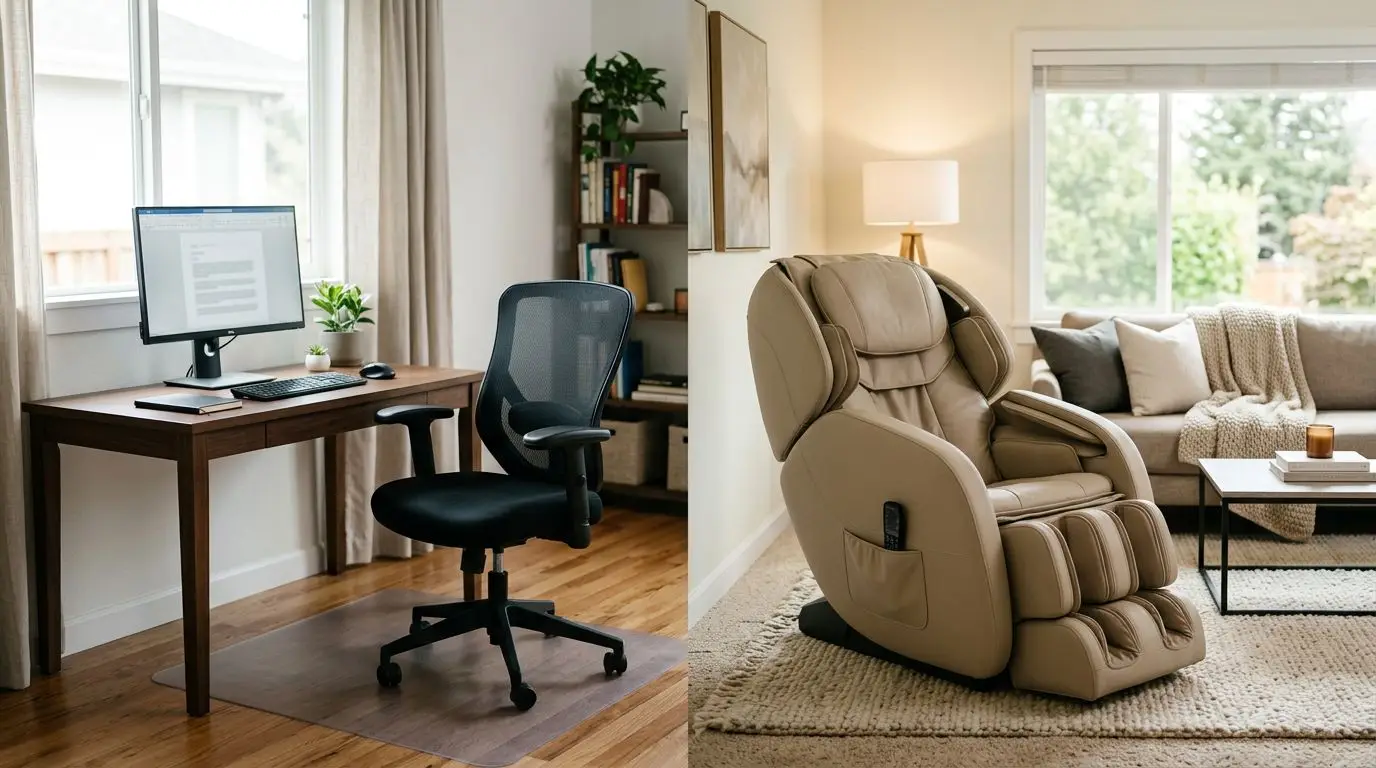
The core chair can be similar, but the priorities differ. A home office buyer may focus more on camera view, floor protection, and personal comfort, while a workplace buyer should emphasize noise, durability, cleaning, user rotation, and warranty terms for shared use.
Frequently asked questions
How loud should an office massage chair be? +
Look for operation that blends into normal office background noise, roughly 45 to 55 dB when possible. Also check whether air compression, vibration, and foot rollers can be turned off separately.
How much space does an office massage chair need? +
Many full-size chairs are about 30 to 36 inches wide and 60 to 75 inches long when reclined. Measure the fully reclined footprint, rear clearance, and a 36-inch walkway before buying.
What session length is best for workplace use? +
A 10- to 15-minute default session usually works best. It fits a normal break and helps keep access fair when several people share the chair.
What features matter most for a shared office chair? +
Prioritize quiet operation, compact recline clearance, short presets, adjustable intensity, simple controls, easy-to-clean surfaces, a visible timer, and an obvious stop button.
Who should ask a physician before using a massage chair? +
People who are pregnant, have a pacemaker or other implanted cardiac device, have blood clots or take anticoagulants, have osteoporosis, recent fracture or surgery, spinal disc problems, neuropathy, or uncontrolled hypertension should ask their physician before use.
Related guides
Office Massage Chairs vs. Home Massage Chairs: Key Differences Before You Buy
13 min readCommercial Massage Chairs for Gyms, Waiting Rooms, and Shared Spaces: What Type Works Best?
16 min read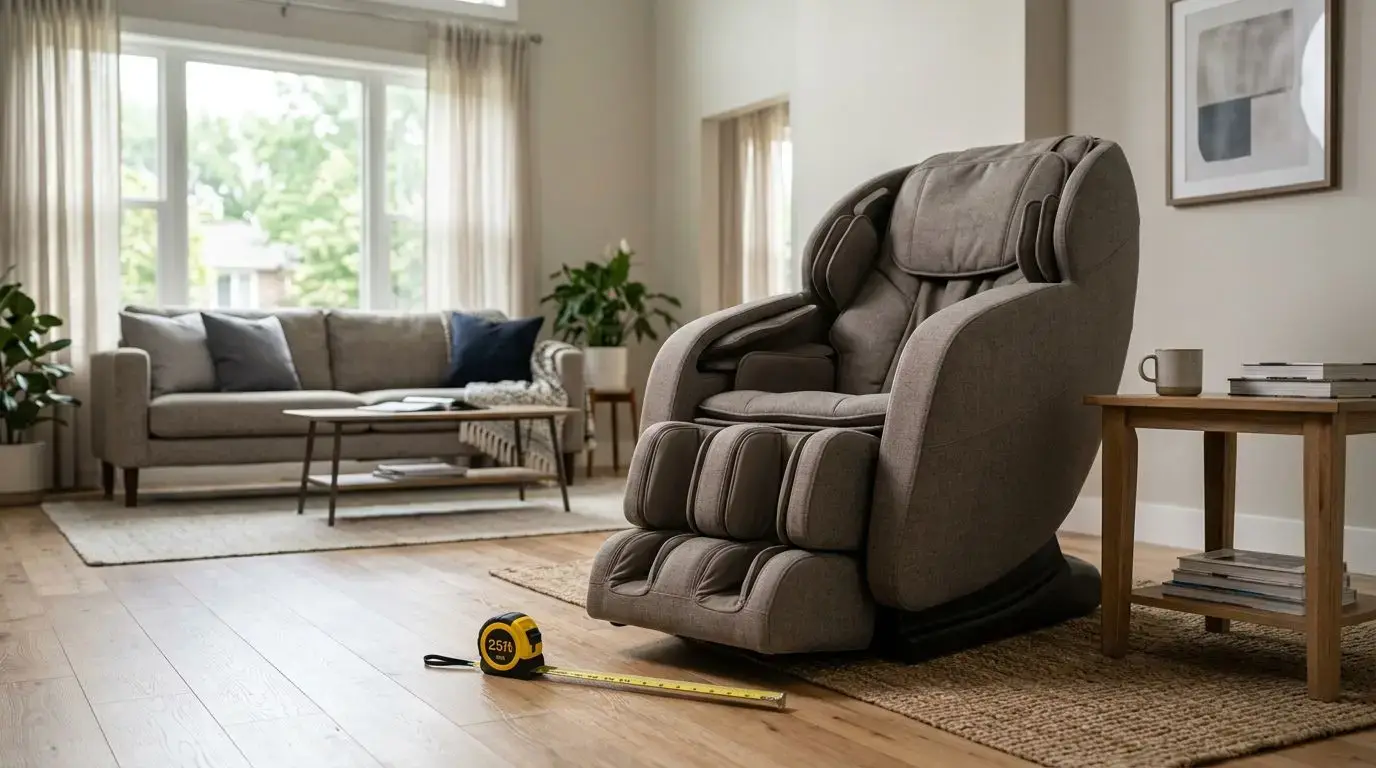
How to Choose a Massage Chair for Home Use
14 min read
Massage Chair vs. Professional Massage: Which Is Better for Your Routine and Budget?
10 min read
Where Should You Put a Massage Chair at Home? Room-by-Room Placement Guide
13 min read