Disclosure: We may earn a commission when you buy through links on this page, at no extra cost to you. We buy nothing, sell nothing and accept no payment for coverage — commissions never decide what we recommend. How we make money.
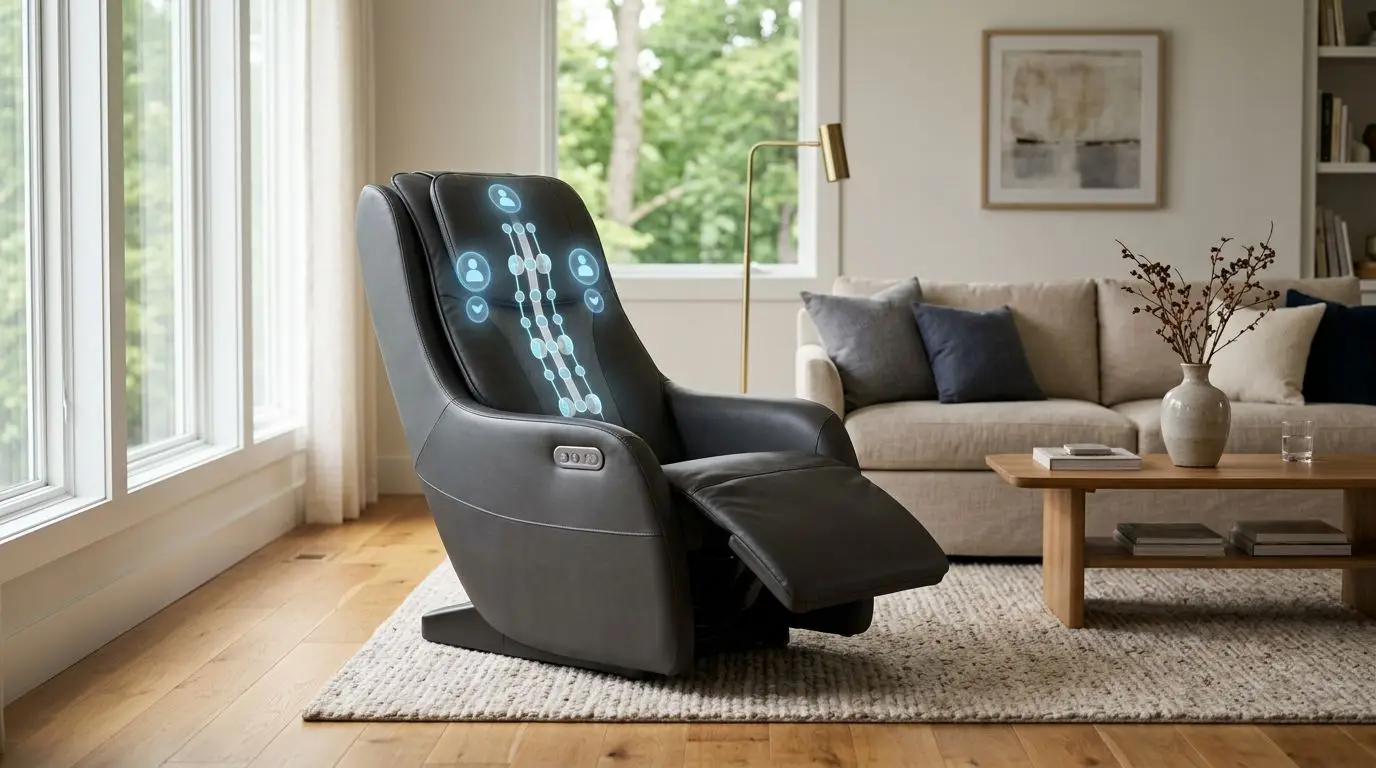
Body scan technology helps a massage chair find your shoulders, estimate the shape of your back, and place the rollers where they are most likely to feel comfortable. A good scan can be the difference between rollers landing correctly on your neck and shoulder area or pressing too high, too low, or off-center. It is not perfect, so manual adjustment and proper sizing still matter.
Think of body scanning as the setup step before the main program begins. The chair is trying to answer a simple question: where is this person’s back in relation to the roller track? When it gets that right, the massage feels more predictable for short, tall, narrow, and broad users.
How body scan technology works in 30 to 90 seconds
Most full-size massage chairs run a body scan at the start of an automatic program, often taking about 30 to 90 seconds. During that time, the roller carriage moves along the back track while the chair measures resistance, roller position, and stopping points. Some chairs also use shoulder-position logic, pressure feedback, or preset height estimates to refine the scan.
The goal is not to create a medical image or a true 3D map of your body. It is a practical fit check. The chair needs to know where the top of your shoulders sits, how far the rollers should travel, and where to begin common movements such as kneading, tapping, rolling, and shiatsu-style patterns.
In many chairs, the scan focuses on shoulder detection because that point sets the reference for the rest of the program. If the chair thinks your shoulders are 2 inches higher than they really are, the upper-back sequence may feel crowded near the neck. If it reads too low, the same program may miss the top of the shoulder area and spend too much time below it.
Posture also affects the scan. Sitting upright, placing your hips all the way back, keeping your shoulders against the backrest, and resting your feet in the leg unit can improve repeatability. Slouching by even 1 or 2 inches changes where the chair thinks your shoulder line begins.
Why shoulder detection can shift roller placement by 1 to 3 inches
Shoulder detection matters because it anchors the massage path. A difference of 1 to 3 inches may not sound like much, but on the upper back it can change the feel completely. Rollers meant to work below the shoulder blades can end up close to the neck, while rollers meant for the upper back can land around the mid-back.
That is why many chairs let you raise or lower the detected shoulder position after the scan. You may see an up or down control on the remote, or a prompt asking whether the shoulder position is correct. Use that small adjustment. A 1-inch correction can make a program feel less awkward, especially for people with long torsos or compact builds.
Shoulder detection becomes harder when the user does not sit squarely. Thick hoodies, bulky back pockets, a cushion behind the back, or leaning to one side can all change the pressure feedback the chair receives. Long hair, a high collar, or a forward head posture can also make the upper-back area harder for the chair to interpret.
Scans also vary because of track shape. On an S-track, the rollers follow the curve of the back from the neck through the lower back. On an L-track or SL-track, the rollers continue under the seat toward the glute area, often extending 45 to 55 inches in total track length. The longer the travel path, the more important it is for the chair to start in the right place.
Roller accuracy and user fit from 5 feet to 6 feet 4 inches
Massage chairs are built around a recommended user range, and body scanning does not erase that limit. A chair may advertise broad fit, but the useful range is still shaped by backrest height, shoulder width, seat depth, calf length, and footrest travel. In real homes, the same chair may feel excellent to a 5-foot-7 user and less precise to someone who is 6-foot-4 or 5-foot-0.
Shorter users may get a scan that places the rollers too high unless the chair has a strong shoulder-position adjustment. Taller users may feel that the roller path ends before it reaches the areas they expect, or that the neck and upper-back work feels compressed. Broad-shouldered users can feel more side pressure from the backrest or shoulder air cells, while narrow users may feel less centered.
Roller width matters too. Many chairs have fixed roller spacing for part of the program, while others can vary width in certain zones. Wider roller spacing can feel better across the upper back for some users, while narrower spacing can create a more focused sensation along the muscles next to the spine. Neither is automatically better. The right feel depends on body size and preference.
User fit also depends on intensity. A chair with deep protruding rollers may feel accurate but too strong for a lean person with little cushioning between the back and rollers. A softer chair may feel comfortable but less defined for someone who prefers firm pressure. Body scanning improves placement; it does not automatically set the ideal pressure.
Body scan and roller feature comparison: 2D, 3D, 4D, S-track, and L-track
The terms 2D, 3D, and 4D are common, but they are not regulated labels. A simple way to understand them is by roller movement. A 2D roller usually moves up and down and side to side. A 3D roller can also move in and out to change depth. A 4D label usually means the chair varies speed or rhythm in addition to 3D-style depth, though the exact meaning depends on the manufacturer.
| Feature type | What it changes | Why scanning matters | Fit note |
|---|---|---|---|
| Basic body scan | Finds shoulder height and back position | Sets the starting point for the program | Best when paired with manual shoulder adjustment |
| 2D rollers | Move vertically and horizontally | Scan helps keep patterns aligned with the back | Often simpler and less intense than depth-adjustable rollers |
| 3D rollers | Add in-and-out depth movement | Accurate placement matters more because pressure can feel stronger | Look for multiple intensity levels, such as 3 to 5 settings |
| 4D-labeled rollers | May vary depth, speed, and rhythm | Scan helps complex programs feel less random | Compare controls carefully because definitions vary |
| S-track | Follows the back from neck to lower back | Shoulder detection sets the curve alignment | Often a good choice if seat-area roller coverage is not needed |
| L-track or SL-track | Extends under the seat, often around 45 to 55 inches | Scan affects where the longer travel path begins | Check seat depth and leg fit, not just back coverage |
For many shoppers, scan quality matters more than the most advanced-sounding roller label. A chair with clear shoulder adjustment, repeatable positioning, and sensible intensity controls may feel better than one with a long feature list but poor fit. The real test is whether the rollers consistently land where you expect.
Who body scanning is best for in households with 2 or more users
Body scan technology is especially useful when more than 1 person will use the chair. A household with a 5-foot-2 user and a 6-foot user needs the chair to reset its roller path each time, not rely on the last person’s fit. In that situation, automatic scanning plus easy manual correction can save a lot of frustration.
It also helps users who switch between programs. A short neck-and-shoulder program, a full-back program, and a lower-back focused program may all use the scan differently. If the scan is reliable, those programs should feel like they are starting from the same body reference instead of guessing each time.
Body scanning is less critical for someone buying a very simple chair with limited roller travel or a chair used by only one person who always sits in the same position. Even then, fit still matters. If the chair cannot place the rollers comfortably at your shoulder level, automatic scanning will not solve the problem.
Best-fit situations
- Shared households: 2 or more users with different heights or torso lengths.
- Taller or shorter users: anyone near the edge of a chair’s stated height range.
- People who want consistency: users who notice when rollers land 1 inch too high or low.
- 3D roller shoppers: stronger depth settings make accurate placement more important.
- Program variety: users who rotate among 3 or more automatic programs.
If you are the only user and prefer a very light massage feel, body scan differences may be less noticeable. If you like firm, targeted pressure, scanning and manual adjustment become much more important.
How to choose and measure before you buy: 5 checks that matter
Before buying a massage chair, measure the user and the room. Body scanning works best when the chair physically fits the person. Five practical checks can prevent most fit problems: user height, seated shoulder height, torso length, shoulder width, and leg length.
Start with total height, but do not stop there. Two people who are both 5 feet 10 inches can have different torso lengths, which changes where their shoulders land against the backrest. Seated shoulder height is often more useful. Sit on a dining chair with your back straight and measure from the seat surface to the top of your shoulders. That number helps you think about where the chair needs to detect the shoulder line.
Next, measure shoulder width across the upper back. If you are broad through the shoulders, check whether the chair has fixed shoulder panels or side air cells that could feel tight. If you are narrow, look for roller width adjustment or programs that do not feel too wide in the upper back.
Leg fit matters too. Many chairs use an extendable footrest, often with several inches of spring or motorized travel. If your calves are long or short, the leg unit can affect how your hips sit in the seat, which then affects the scan. A poor footrest fit can pull you forward and throw off shoulder detection.
| Measurement | How to check it | Why it affects scanning |
|---|---|---|
| Overall height | Measure barefoot from floor to top of head | Shows whether you are inside the chair’s intended user range |
| Seated shoulder height | Sit upright and measure seat to shoulder top | Helps predict shoulder detection accuracy |
| Torso length | Measure seat to base of neck | Affects neck and upper-back roller placement |
| Shoulder width | Measure across the upper back | Influences comfort with roller width and side panels |
| Leg length | Check seat to heel and calf position | Footrest fit can change posture during the scan |
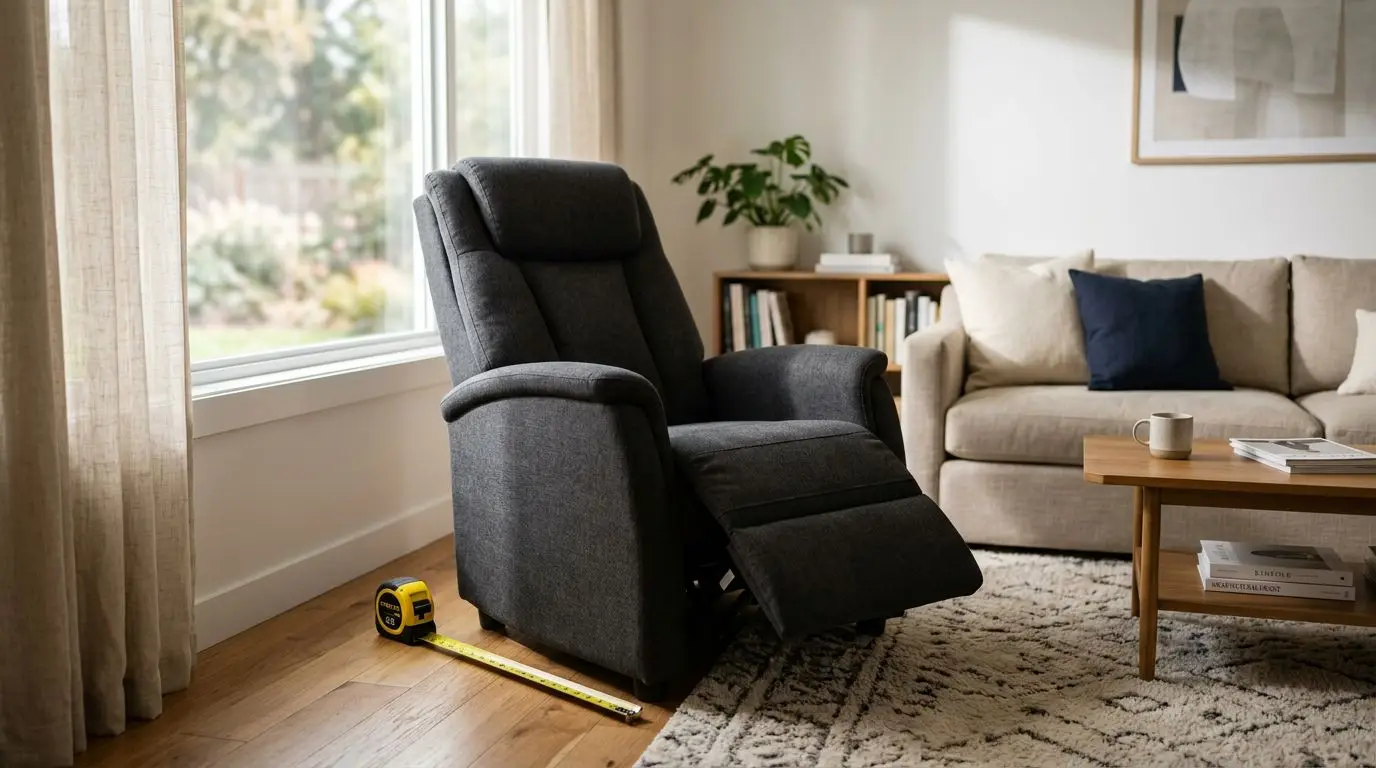
Measure your room as well. Some chairs need 2 to 12 inches of wall clearance depending on the recline mechanism. Check doorways, turns, stairways, and the final footprint when reclined. A chair that fits your body but not your room creates a different problem.
Comfort and consistency after 10 sessions: what to expect
It can take several uses to know whether a chair’s body scan feels consistent. After 10 sessions, you should have a clear sense of where the rollers land, whether you need the same shoulder correction every time, and which programs match your body best. Do not judge scan quality from 1 rushed sit-down in poor posture.
A consistent scan does not mean every program feels identical. Different automatic programs use different roller paths, speeds, widths, pause points, air compression sequences, and recline angles. What you want is repeatability: when you sit the same way, the chair should identify your shoulder area in roughly the same place and run the program without surprising jumps in placement.
If the rollers feel off, troubleshoot before assuming the scan is bad. Empty your back pockets. Remove bulky layers. Sit with your hips against the backrest. Keep both feet in the leg unit. Let the scan finish before adjusting your posture. Then use the shoulder up or down control if the chair offers one.
Some users prefer to save manual settings if the chair allows it. A memory setting can help when the automatic scan always needs the same 1- or 2-step correction. In a shared household, separate user memories can make the chair feel more consistent, though not every chair includes that feature.
Safety and setup: take 15 minutes and know when to ask a physician
Spend the first 15 minutes with a new chair on setup, fit, and low intensity. Read the safety section of the manual, learn how to stop the chair quickly, and start with the gentlest program. Strong rollers, heat, recline, and air compression can feel intense if you begin at the highest setting.
A massage chair is a consumer wellness product, not a medical device. It is designed to provide mechanical pressure, movement, warmth in heated areas if included, and a structured comfort routine. It should not be used as a substitute for professional medical advice.
Ask your physician before using a massage chair if you are pregnant; have a pacemaker or other implanted cardiac device; have a history of blood clots or use anticoagulants; have osteoporosis; recently had a fracture or surgery; have spinal disc problems; have neuropathy; or have uncontrolled hypertension. These cautions are especially important with strong rollers, deep 3D settings, heat, inversion-like recline angles, or tight leg and foot compression.
Stop using the chair if pressure feels sharp, pinching, alarming, or not under your control. Comfort is the point. More intensity is not automatically better, and a scan that places the rollers accurately can still feel wrong if the pressure level is too high for you.
FAQ: 5 common body scan questions
Does body scan technology guarantee a perfect fit?
No. It improves the chair’s starting point, especially around shoulder height, but it cannot change the chair’s physical size, roller spacing, track length, or seat shape. Manual adjustment still matters.
Why does my chair scan differently from one day to the next?
Small posture changes can alter the scan. Sitting 1 or 2 inches forward, wearing a thick sweatshirt, leaning to one side, or moving during the scan can change shoulder detection.
Is a 3D roller chair always more accurate than a 2D roller chair?
Not always. A 3D roller adds depth control, but scan quality depends on the chair’s sensors, software, track design, and adjustment options. A well-fit 2D chair can feel more predictable than a poorly fit 3D chair.
What should I do if the rollers hit too high on my neck?
Pause or stop the program, sit fully back, rerun the scan, and lower the shoulder position if the chair allows it. If the pressure still feels uncomfortable, choose a gentler program or lower intensity.
Do taller users need an L-track?
Not necessarily. Taller users need a chair with suitable overall dimensions, enough backrest height, and a scan that can detect their shoulder position. An L-track adds seat-area coverage, but it does not automatically solve tall-user fit.
Body scan technology is one of the most practical features in a modern massage chair because it affects where the rollers go every time you sit down. The best experience comes from three things working together: accurate shoulder detection, a chair that fits your body, and controls that let you fine-tune the result. If you compare chairs by fit and repeatability rather than feature labels alone, you are more likely to get a comfortable, consistent feel.
Frequently asked questions
Does body scan technology guarantee a perfect fit? +
No. It helps the chair estimate shoulder height and back position, but it cannot change the chair’s physical dimensions, roller spacing, track length, or seat shape.
Why does my massage chair scan differently on different days? +
Posture and clothing can change the scan. Sitting 1 or 2 inches forward, leaning to one side, wearing bulky layers, or moving during the scan can affect shoulder detection.
Is a 3D roller chair always better for body scanning? +
Not always. 3D rollers add depth adjustment, but scan accuracy depends on sensors, track design, fit range, and the ability to manually correct shoulder position.
What should I do if the rollers feel too high? +
Stop or pause the program, sit fully back, rerun the scan, and use the shoulder down adjustment if available. If it still feels uncomfortable, lower the intensity or choose another program.
Do tall users need an L-track massage chair? +
Not automatically. Tall users need a chair with suitable backrest height, seat depth, leg extension, and reliable shoulder detection. An L-track adds seat-area coverage but does not guarantee better tall-user fit.
Related guides
Ergonomic Massage Chairs: What “Ergonomic” Really Means Before You Buy
13 min readFull-Body Massage Chairs Explained: What They Massage, What They Miss, and Who They Fit Best
14 min read
Massage Chair Fit Features for Tall and Short Users: Shoulder Scan, Seat Width, and Leg Extension Explained
13 min read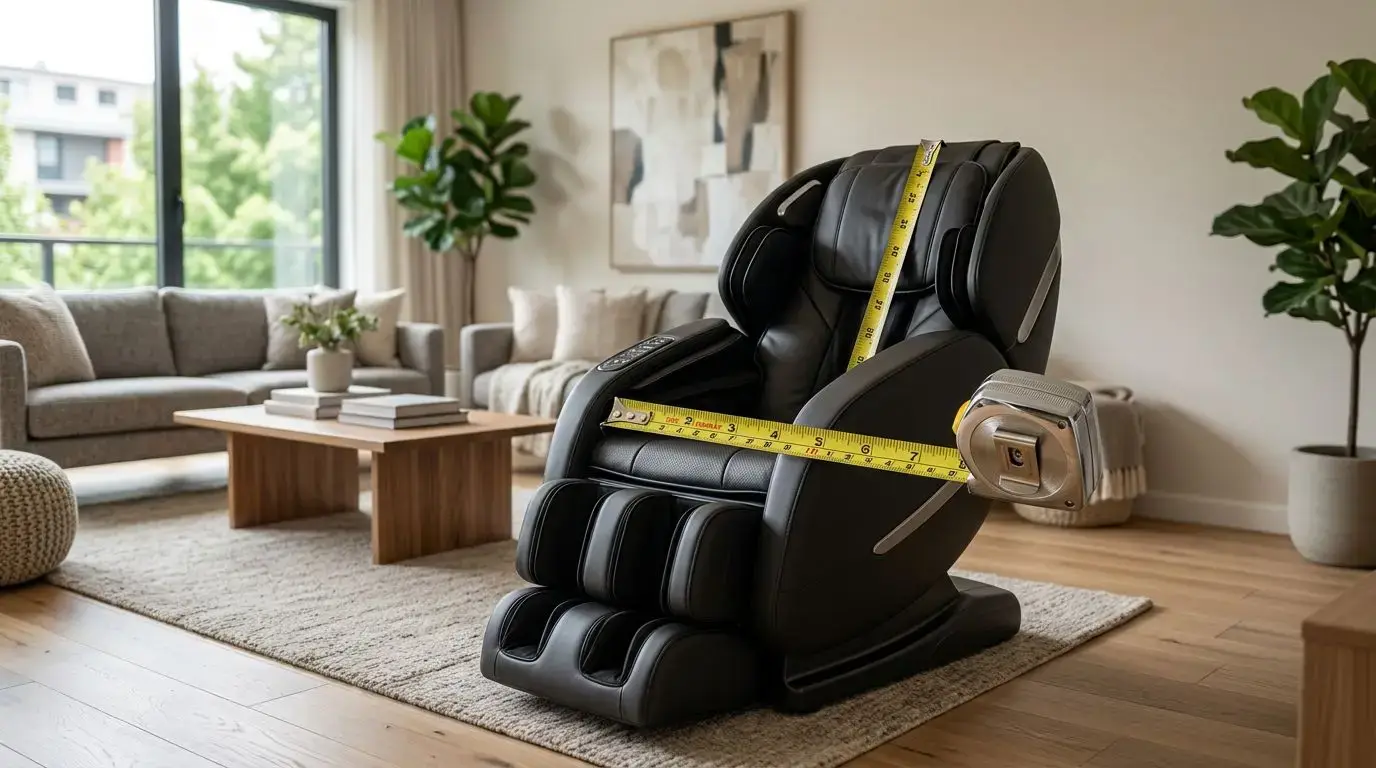
How to Buy a Massage Chair for Tall, Short, or Plus-Size Users
14 min read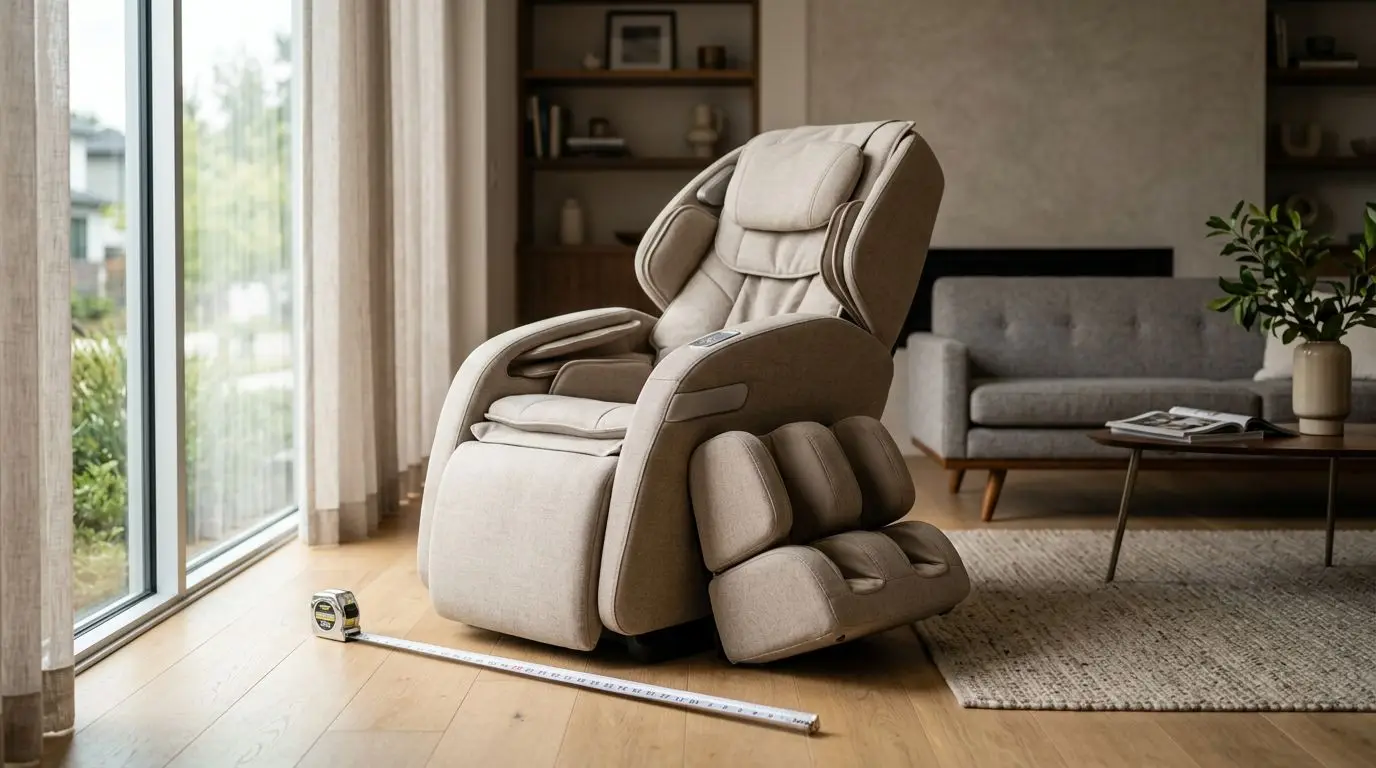
How to Compare Massage Chair Features: 2D, 3D, 4D, L-Track, SL-Track, Heat, and Airbags
13 min read