Disclosure: We may earn a commission when you buy through links on this page, at no extra cost to you. We buy nothing, sell nothing and accept no payment for coverage — commissions never decide what we recommend. How we make money.
If your massage chair remote is not working, check the power, cable, batteries, and lockout settings before assuming the remote has failed. Unplug the chair for 60 seconds, inspect the remote cable and connector, replace or recharge any remote batteries, and make sure the chair is not in child lock, demo mode, or a stopped program. If the screen stays blank, the buttons do nothing, or the chair moves unpredictably after these checks, stop using it and contact the seller, manufacturer, or a qualified repair technician.
This guide covers common owner-level troubleshooting only. Do not open the chair, bypass safety switches, splice wires, or use the chair if the remote behaves erratically while rollers or airbags are moving.
Start here: a 10-minute remote troubleshooting path
Most massage chair remote problems fall into one of 5 buckets: no power, no response, screen trouble, cable damage, or a control board issue. A quick step-by-step check can keep you from replacing a remote when the real problem is a loose plug, tripped outlet, or locked control panel.
| Symptom | Most common owner-level checks | Stop and call for service if... |
|---|---|---|
| Remote is completely blank | Outlet, chair power switch, remote cable, battery or charger | The chair has power but the remote never lights up |
| Screen lights but buttons do nothing | Child lock, pause mode, stuck button, reset | Multiple buttons fail after reset |
| Remote works only at certain angles | Loose cable, bent connector pins, strain near plug | The cable jacket is cut, pinched, or hot |
| Screen is frozen or shows an error | Power cycle, return chair to upright, write down code | The same code returns within 1 cycle |
| Chair moves without normal input | Unplug immediately | Any unintended movement repeats |
Work in this order: power, reset, visible cable condition, remote battery if applicable, screen behavior, then chair-side control panel. Take a photo before unplugging anything. It gives you a reference when reconnecting cables and can help support staff understand the issue.
Safety first: unplug for 60 seconds and clear a 3-foot work area
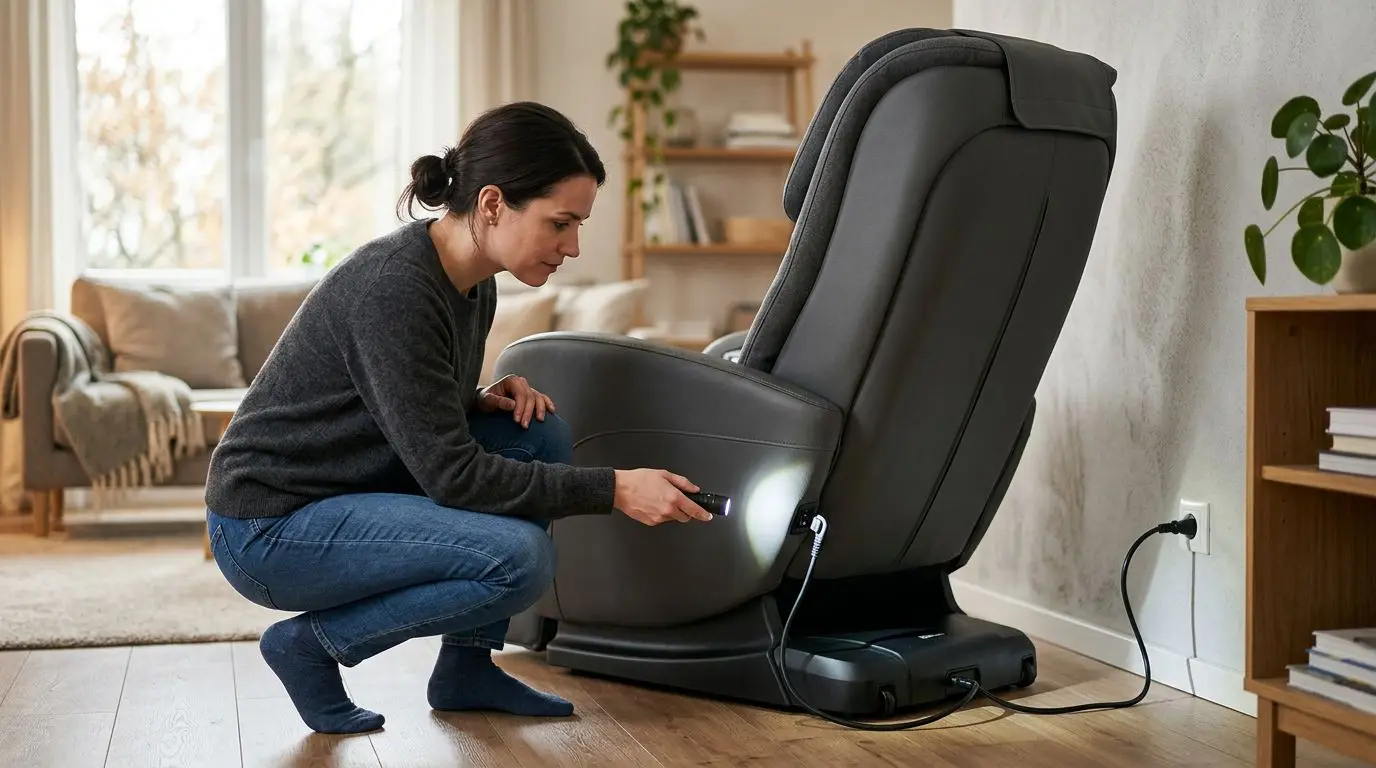
Before touching cables or moving the chair, turn the main power switch off and unplug the chair from the wall for at least 60 seconds. Many chairs keep low-voltage electronics awake briefly after shutdown, and a full power-down gives the control system time to restart cleanly.
Clear at least 3 feet around the chair, especially behind the backrest and near the leg rest. Remote cables often route along the side pocket, rear shroud, or arm area, where they can be pinched when the chair reclines or returns upright.
Do not troubleshoot while seated in the chair. If the remote is sending inconsistent commands, you do not want the backrest, footrest, rollers, or airbags activating unexpectedly while your hands are near moving parts.
A separate safety note: if you are pregnant, have a pacemaker or other implanted cardiac device, have a history of blood clots or take anticoagulants, have osteoporosis, a recent fracture or surgery, spinal disc problems, neuropathy, or uncontrolled hypertension, ask your physician before using a massage chair. This is especially important if you have changed settings, replaced controls, or are unsure whether the chair is operating normally.
Check power and lockouts: 3 common misses
Start with the basic checks. They solve more remote complaints than many owners expect.
- Wall outlet: Plug in a lamp or phone charger to confirm the outlet works. If the chair is connected to a power strip, test directly at the wall.
- Main chair switch: Many chairs have a rear or side rocker switch near the power cord. The remote may stay blank if that switch is off, even when the cord is plugged in.
- Safety or lock modes: Some chairs include child lock, demo mode, pause, timer end, or emergency stop behavior. Look for a lock icon, flashing pause symbol, or a timer at 00.
If the chair has a removable fuse near the power inlet, consult the owner manual before touching it. A blown fuse can make the remote appear dead, but replacing a fuse without finding the cause can hide a larger electrical problem. If a new fuse fails immediately, stop and call for service.
Also check whether the chair is stuck mid-position. A chair paused in a reclined or leg-rest-raised position may ignore some programs until it returns to its home position. Press and hold the power or stop button for 3 to 5 seconds if your manual lists that as the return command.
Cable and connector checks: pins, clips, and 1 inch of slack
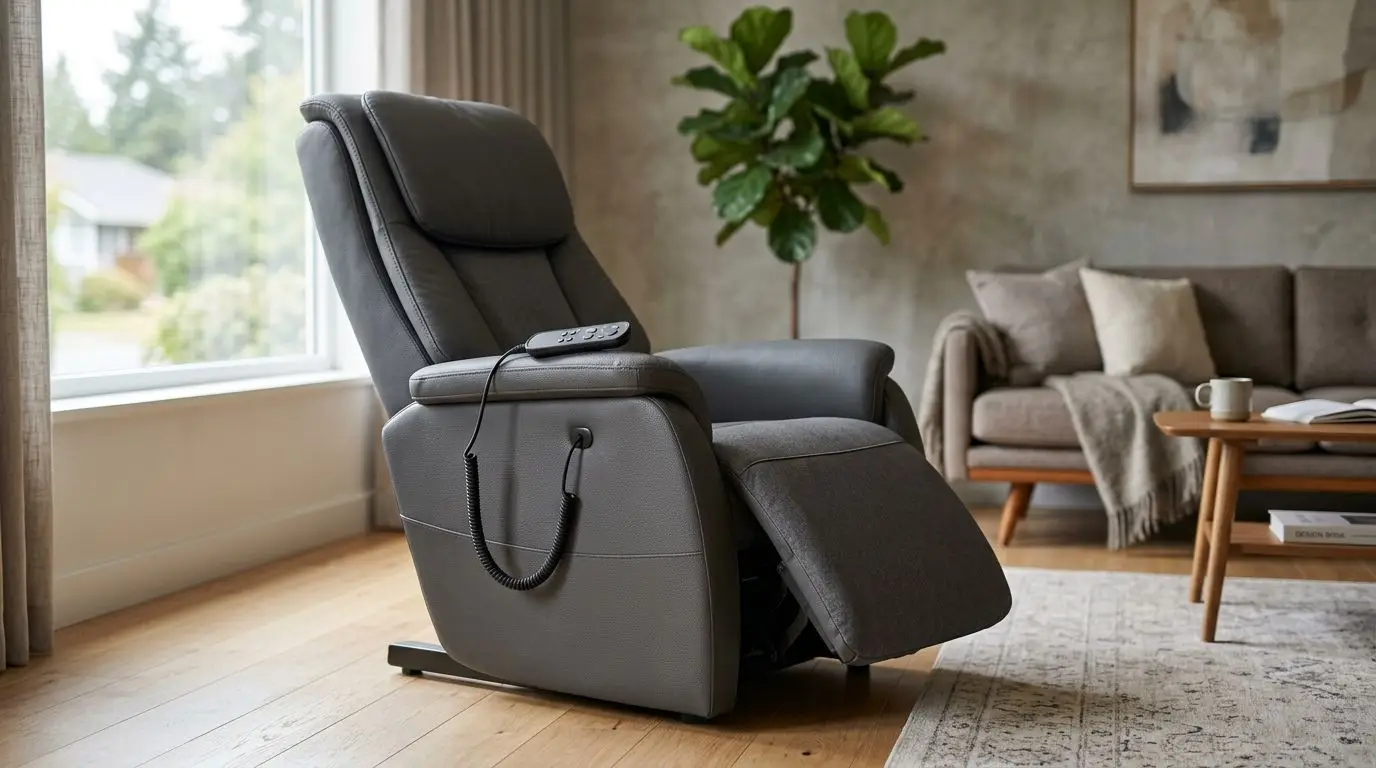
Wired remotes most often fail at stress points: where the cable exits the remote, where it plugs into the chair, or where it passes near a hinge or side pocket. Look for cuts, flattened sections, sharp bends, exposed copper, bent pins, or a connector that no longer clicks into place.
With the chair unplugged, disconnect the remote cable only if the connector is meant to be removable. Do not pull on the cord itself. Hold the plug body, release any locking tab, and pull straight out. If the connector has small pins, inspect them under bright light. One bent pin can cause a blank display or intermittent buttons.
When reconnecting, leave about 1 inch of relaxed slack at the plug so the cable is not under tension when the chair reclines. Route the cord away from the scissor-style metal links, moving footrest arms, and rear backrest gap. If the cable works only when you wiggle it, treat that as a failure sign, not a fix.
| Cable sign | What it can mean | Owner-safe next step |
|---|---|---|
| Remote turns on only when cable is bent | Internal wire break near strain point | Stop using and ask about replacement cable or remote |
| Connector will not seat fully | Misalignment, debris, or damaged pins | Inspect with chair unplugged; do not force it |
| Cable is pinched flat | Damage from recline mechanism or storage | Unplug chair and contact service |
| Connector feels hot | Possible electrical fault | Unplug immediately and do not reuse |
A remote cable is not a good place for tape, twisting, or homemade splices. Massage chairs combine moving frames with powered electronics, and a patched control cable can fail again when the chair changes position.
Battery or rechargeable remotes: replace 2 batteries or charge for 4 hours
Some remotes are wireless, semi-wireless, or use a rechargeable handset that docks in the chair. If yours uses replaceable batteries, swap in a fresh matching set, commonly 2 AA or 2 AAA batteries, and check the polarity marks inside the compartment. Mixing old and new batteries can cause weak or inconsistent operation.
If the remote is rechargeable, place it on its dock or connect its charger for at least 4 hours unless the manual gives a different time. Look for a charging icon, indicator light, or audible beep. If there is no sign of charging, inspect the dock contacts for dust or skin oils and wipe them with a dry microfiber cloth.
Wireless remotes may also need pairing. The process varies, but it often involves holding 1 or 2 buttons while the chair is powered on. Do not guess through long button combinations if the chair begins moving; stop and find the pairing instructions in the manual.
If a battery compartment shows white or green crust, remove the batteries while wearing disposable gloves and avoid touching your eyes. Minor residue on contacts can sometimes be cleaned carefully with a dry cotton swab, but heavy corrosion is a reason to replace the remote rather than keep experimenting.
Screen problems: blank, dim, frozen, or a 1-line error
A screen issue is not always a remote issue. The display may be blank because the chair is off, dim because brightness is set low, frozen because software did not shut down cleanly, or showing a 1-line error because a chair component did not return to its expected position.
For a blank screen, confirm chair power first, then reset. For a dim screen, move the chair away from direct sunlight and look closely at the display from 12 to 18 inches away. A faint screen often means the remote has power, but the backlight or brightness setting is the problem.
For a frozen screen, use a full power cycle: turn the chair off, unplug it for 60 seconds, plug it back in, and wait another 30 seconds before pressing buttons. Rapid button pressing during startup can confuse some control panels, so give it time.
If you see an error code, do not clear it before writing it down. Note the exact letters or numbers, what the chair was doing, and whether the backrest or footrest was extended. Those 3 details are more useful than saying the remote showed an error.
Control panel versus handheld remote: 2 ways to isolate the problem
Many chairs have more than one control point: a handheld remote, a built-in armrest panel, quick keys, or a small side control. Comparing 2 controls helps separate a bad remote from a chair electronics problem.
| Test result | Likely direction | What to do next |
|---|---|---|
| Side panel works, handheld remote does not | Remote, remote cable, battery, or pairing issue | Focus on remote connection and replacement options |
| Neither control works | Power supply, main switch, fuse, or control board | Check power, then contact service |
| Remote screen works but no chair functions respond | Communication cable or chair controller | Reset and inspect cable; do not open electronics |
| Only one feature fails, such as leg rest or heat | Feature-specific component or limit switch | Document the feature and stop repeated testing |
If the quick keys operate basic recline and stop commands, use them only to return the chair to a safe upright position. Do not keep running full sessions to prove a point. Repeated testing can turn a small cable issue into a larger problem if a wire is already damaged.
Error codes and reset sequences: write down 3 details before calling
Error codes are frustrating, but they can shorten the repair conversation. Before you reset the chair, write down 3 things: the code exactly as shown, the chair position, and the action that triggered it. For example: “E-style code on startup, footrest raised halfway, appeared after power outage.”
Many chairs have a basic reset sequence that returns rollers and the leg rest to their home positions. It may involve holding power, stop, or home for 3 to 10 seconds. Use only the sequence listed in your manual or on the maker’s support page, because button layouts differ by remote type.
If the same code comes back after 1 reset, do not run the reset repeatedly. A recurring position error can mean a sensor, motor, cable, or limit switch is not communicating as expected. At that point, a qualified technician should diagnose it.
After a household power outage, a chair may need a normal shutdown and restart rather than a repair. Still, if the remote screen flickers, the chair clicks repeatedly, or the unit smells hot, unplug it and stop.
Who this guide is best for—and who should stop after 15 minutes
This troubleshooting guide is best for owners dealing with a non-responsive remote, blank display, intermittent buttons, loose cable, or simple battery question. It is also useful if you moved the chair, cleaned around it, or unplugged it and the remote stopped behaving normally.
Limit owner-level troubleshooting to about 15 minutes. That is enough time to check power, reset, inspect visible cable sections, replace batteries, and compare the handheld remote with any built-in control panel.
Stop sooner if you see exposed wires, smell burning plastic, hear repeated clicking from inside the base, feel heat at a connector, or notice movement that does not match the button pressed. Those are not comfort-setting problems; they are service issues.
This guide is not for internal electronics repair. Opening the chair can expose electrical components, moving mechanisms, sharp brackets, and warranty-sensitive parts. If the chair is still under coverage, unauthorized repair attempts may also complicate a claim.
How to choose or measure a replacement remote: 5 checks before buying
If troubleshooting points to a failed remote, do not buy a generic-looking controller based only on appearance. Massage chair remotes that look similar can use different pin counts, button maps, firmware, connector shapes, and voltage requirements.
Use these 5 checks before ordering a replacement:
- Connector shape and pin count: Count the visible pins or sockets carefully. Common control connectors may use multiple small pins, and 1 extra pin can make a remote incompatible.
- Cable length: Measure the existing cable from plug to remote body in inches. A replacement that is 6 inches shorter may pull tight when the chair reclines.
- Remote type: Match wired, wireless, rechargeable, touch-screen, or button-style operation. Do not assume a touch-screen unit can replace a button remote.
- Chair feature set: A remote must match functions such as track style, airbag zones, foot rollers, heat, calf adjustment, or zero gravity presets if the chair has them.
- Seller verification: Provide photos of the connector, remote front, remote back label, and chair label if available. Ask for written compatibility confirmation.
| Remote type | What to verify | Common owner mistake |
|---|---|---|
| Wired button remote | Pin count, cable length, button layout | Matching the faceplate but not the connector |
| Touch-screen remote | Firmware compatibility and screen size | Assuming any same-size screen will work |
| Wireless remote | Pairing method and battery type | Buying without pairing instructions |
| Armrest control panel | Mount shape and ribbon or plug style | Trying to swap only the visible button pad |
If your chair has an L-track, S-track, or SL-track, the remote may include programs and position commands specific to that frame design. The track name alone is not enough for compatibility, but it is one detail to include when contacting support.
Repair, replacement, or service call: 4 decision points
Use 4 decision points to avoid wasting money: warranty status, visible cable damage, remote-only failure, and chair-wide failure.
If the chair is under warranty or an extended service plan, start there. Remote replacement may be covered only if the issue is documented before you buy parts elsewhere. Keep photos, error codes, purchase records, and a short timeline of what happened.
If there is visible cable damage, replacement is usually safer than continued use. If the side panel works but the handheld remote does not, a remote or cable replacement may be the next reasonable step. If no controls work and the chair has verified wall power, the issue may be deeper than the remote.
For older chairs, compare the cost and availability of parts with the chair’s overall condition. A new remote will not fix worn upholstery, noisy mechanisms, or unreliable motors. On the other hand, a chair in good mechanical condition may be worth a properly matched controller.
FAQ: 5 quick answers about massage chair remotes
Why is my massage chair remote blank even though the chair is plugged in?
The chair may not be receiving power at the outlet, the main power switch may be off, the remote cable may be loose, or a fuse or internal power component may have failed. Test the outlet, check the chair switch, unplug for 60 seconds, and inspect the remote connector before calling for service.
Can I use a universal massage chair remote?
Usually, no. Massage chair remotes are not like basic TV remotes. They need the correct connector, pin layout, button mapping, software communication, and feature support for that chair.
What should I do if the remote works only when I wiggle the cable?
Stop using the chair and inspect the cable with the power unplugged. Intermittent operation often points to a damaged wire, loose connector, or strained plug, and wiggling it can make the failure worse.
Is it safe to keep using the chair if only the screen is dim?
If all buttons work normally and the chair responds correctly, a dim screen may be a brightness, backlight, or aging display issue. If the screen flickers, freezes, or commands do not match button presses, stop using the chair until it is checked.
How long should I unplug the chair to reset it?
A 60-second unplug is a good first reset for many chairs. After plugging it back in, wait about 30 seconds before pressing buttons so the control system can restart.
Frequently asked questions
Why is my massage chair remote blank even though the chair is plugged in? +
The outlet may not have power, the main chair switch may be off, the remote cable may be loose, or a fuse or internal power component may have failed. Test the outlet, check the chair switch, unplug for 60 seconds, and inspect the connector before calling for service.
Can I use a universal massage chair remote? +
Usually, no. Massage chair remotes need the correct connector, pin layout, button mapping, software communication, and feature support for the specific chair.
What should I do if the remote works only when I wiggle the cable? +
Stop using the chair and inspect the cable with the power unplugged. Intermittent operation often points to a damaged wire, loose connector, or strained plug, and wiggling it can make the failure worse.
Is it safe to keep using the chair if only the screen is dim? +
If all buttons work normally and the chair responds correctly, a dim screen may be a brightness, backlight, or aging display issue. If the screen flickers, freezes, or commands do not match button presses, stop using the chair until it is checked.
How long should I unplug the chair to reset it? +
A 60-second unplug is a good first reset for many chairs. After plugging it back in, wait about 30 seconds before pressing buttons so the control system can restart.
Related guides
Massage Chair Won’t Turn On? What to Check Before Calling for Service
13 min read
Massage Chair Repair Guide: Problems, Parts, Service Calls, and Warranty Tips
14 min read
Massage Chair Not Working? Troubleshooting Power, Remote, Rollers, Heat, and Air Compression
13 min read
How to Reset a Massage Chair: Power Cycling, Error Messages, and Safe Restart Steps
14 min read
Should You Repair or Replace a Massage Chair? Common Problems, Costs, and Safety Signs
14 min read